Your ideas. Your footage. Your next edit, on iPhone.
YOUR CREATIVE VIDEO EDITOR, ON IPHONE

Your next great video.
Made yours.

Turn long videos into clips. Bring your words to life.
Make your camera roll move to the music.

Watch the examples. Create your version on iPhone.

AI Clips

Long video.
Short clips.

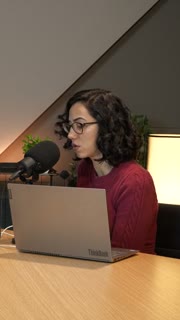
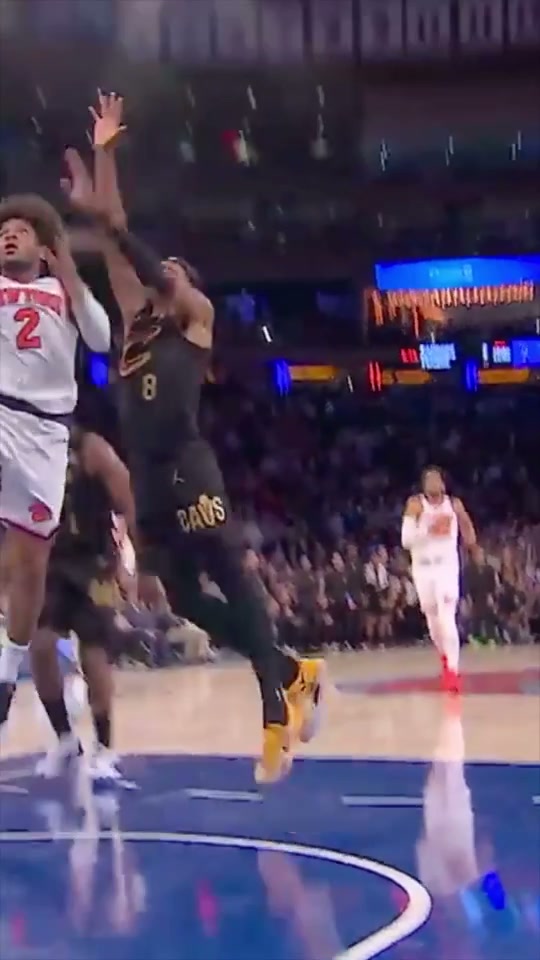
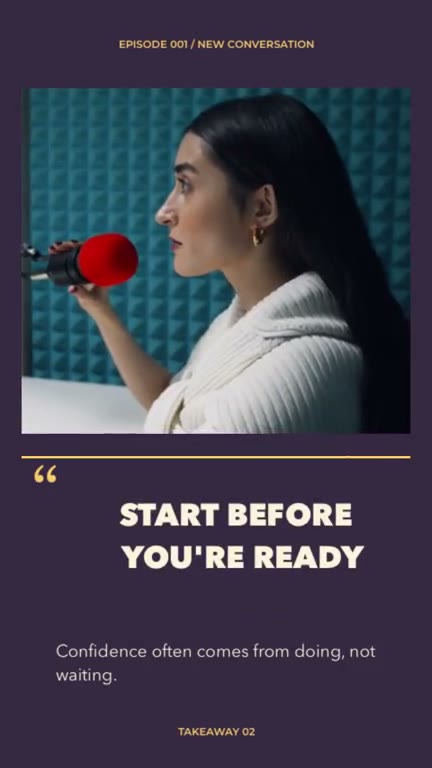
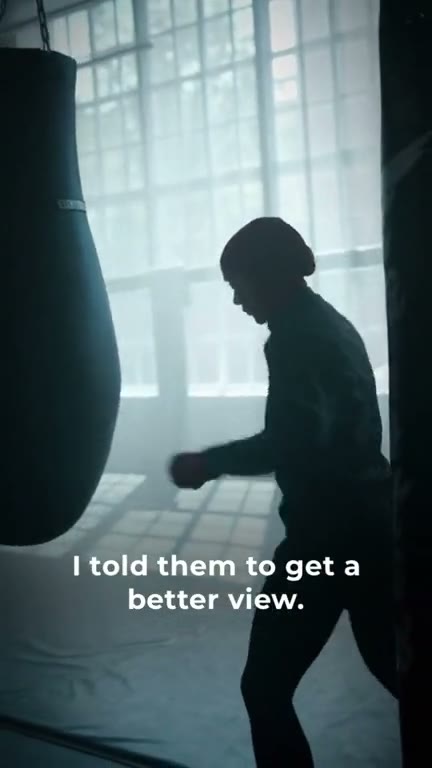
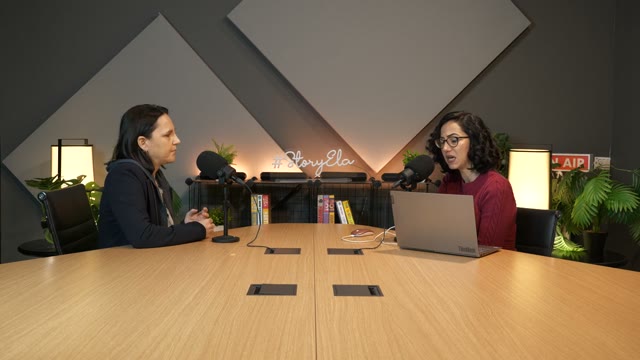
Find the moments worth sharing in a longer recording. Review the clips, refine their timing and make each one your own.

Long videoShort clips
Explore AI Clips
One long video → a collection of short clips
AI Clips 01 / 06
✦ Start with your own footage↗ Keep the final edit yours▣ Create on your iPhone
See the difference

Same story.
A little more
to look at.

A coffee, a walk, a sunset. Watch a simple travel narration become a captioned story with relevant supporting shots.

  • Keep the original speaker and narration
  • Add supporting footage around the spoken ideas
  • Refine the text, media and timing in the editor
Explore B-roll & Auto Edit ↗
Before · original
After · AutoCut
A look for your next story

Start with something
that moves you.

Explore 46 template previews ↗
Made for what you make

A good idea looks
different on everyone.

Find a workflow for a conversation, a weekend, a product or a useful piece of advice.

From camera roll to something worth sharing

A simpler place to start.

01

Bring your moments

Choose photos, video, a recording or supported link in the iPhone app.

02

Find your direction

Start with a tool or a template. Review the first arrangement and make it your own.

03

Share your version

Preview the finished story, choose export settings and save the video.

Before you start

A few things to know.

Can I edit a video on this website?

AutoCut’s editing tools are in the iPhone app. This website lets you explore features, watch examples and preview templates before downloading.

Can I keep editing an automatic result?

Yes. Tool results and templates can lead into the editor, where you can refine media, text, timing and audio.

Is AutoCut free?

AutoCut is free to download. Some templates, tools, exports and generation features require Pro access, credits or other in-app purchases. Check the app for current access and pricing.

Can I use my own photos, videos and music?

You can work with your own media and import your own audio. Make sure you have permission to use any content you publish.

Where do I find the templates shown here?

Open the iPhone app and search or browse for the template’s displayed name. Each template detail page includes its name and preview.

Take it to your phone

Your next edit
starts on iPhone.

Scan the code with your iPhone camera to open AutoCut on the App Store.

QR code linking to AutoCut on the App StoreOpen the App Store

Availability, compatibility and purchase options are listed on the App Store.