 AutoCut
Make every word easy to follow.
Generate subtitles for your video, choose a caption style and correct the text before sharing.
Available in the AutoCut iPhone app
Start with a reason to edit.
People watch videos in different places and at different volumes. Clear captions make spoken content easier to follow when audio alone is not enough.
A talking clip that works with sound off
Use a short explanation or travel tip. Generate the captions, check names and punctuation, then choose a size and position that leave the important parts of the picture visible.
Readable captions that support the speaker instead of covering the subject.
Try this workflow with your own footage.Three steps to your version.
Choose your video
Import a talking video and trim to the part you need.
Set the language
Select the spoken language or use language detection.
Style and check
Generate captions, correct the words, and adjust the appearance in the editor.
Words you can edit
Fix a name, a place or an unclear phrase after generation.
A style that fits
Choose colors and text styling that make sense for the video background.
Combine with B-roll
Add supporting footage when the story benefits from more visual context.
Speech recognition can make mistakes. Review the complete caption text before publishing.
A walkthrough worth keeping.
Works well with…
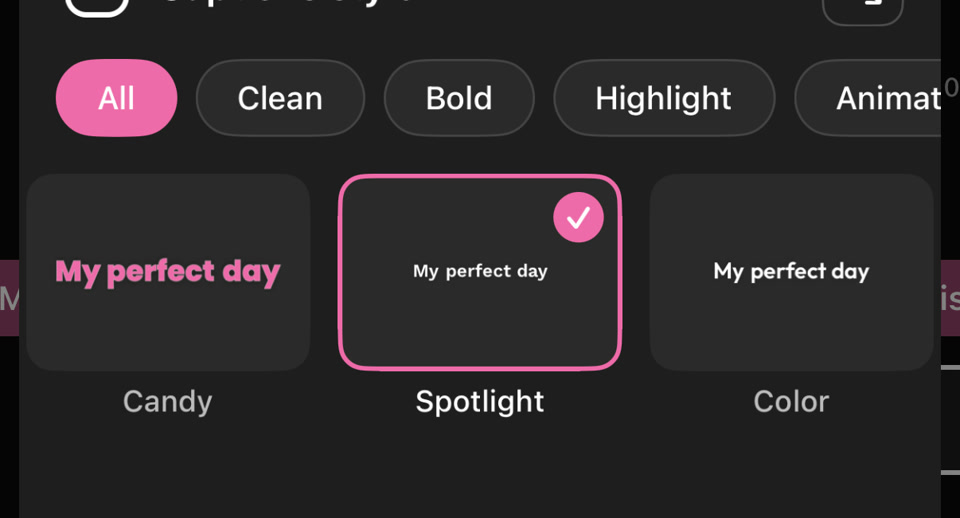 PICK YOUR CAPTION STYLE
Caption Styles
Give subtitles a consistent look with text styling, colors and animated emphasis.

À PARIS
Caption Translation
Translate generated captions into an available target language and review the wording in your video.
 Original
 B-roll + captions
B-roll & Auto Edit
Build on a talking video with relevant B-roll, captions and optional animated stickers, then refine the edit on iPhone.
Can I use Auto Captions in my browser?
The feature runs in AutoCut for iPhone. The website provides examples, template previews and instructions.
Can I review the result before sharing?
Preview the finished result in the app and use the available editing controls to check the media, timing and appearance.
Does this feature require a purchase?
Access varies by tool and subscription. Generation features may also use credits. Check the current in-app screen and purchase details before you start.