 AutoCut
A wider video. A better vertical frame.
Adapt a video to a new aspect ratio while following people or action and choosing from the layouts you allow.
Available in the AutoCut iPhone app
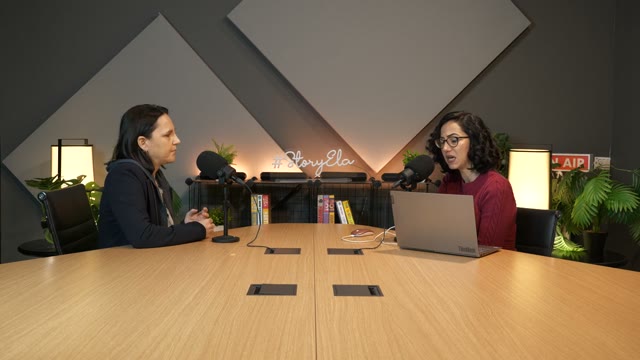
Keep both speakers in view with a portrait split layout.
Start with a reason to edit.
A fixed center crop can miss the speaker or cut out the action. Different shots sometimes need a different arrangement.
Three stories. Three different frames.
Use a split layout for a podcast conversation, a focused crop for an NBA replay, or separate panels for gameplay and a facecam. The demonstrations above use the actual Reframe engine and its crop paths, so the guides on the original match the vertical result.
A composition chosen for the content, with a clear comparison to the original.
Try this workflow with your own footage.Three steps to your version.
Pick a video
Open AI Reframe and choose the section to process.
Set ratio and layouts
Choose your output ratio and the layouts AI is allowed to use.
Preview the result
Wait for processing, review the video, then save, share or continue editing.
Several compositions
Allowed layouts include fill, fit, split and multi-person arrangements, alongside gameplay and screen-share options.
Your settings stay in reach
Go back from the preview to adjust the setup.
On-device analysis
The reframe engine analyzes and renders the video on the device.
Tracking depends on the footage. Always preview fast movement, scene changes and multi-person shots.
A walkthrough worth keeping.
Works well with…
 YOUR VIDEO
 01
 02
 03
AI Clips
Find short clips in a longer video, review the suggestions, and make each one your own on iPhone.
 Fit your format
Crop & Resize
Change the composition and project ratio for the platform or presentation you need.
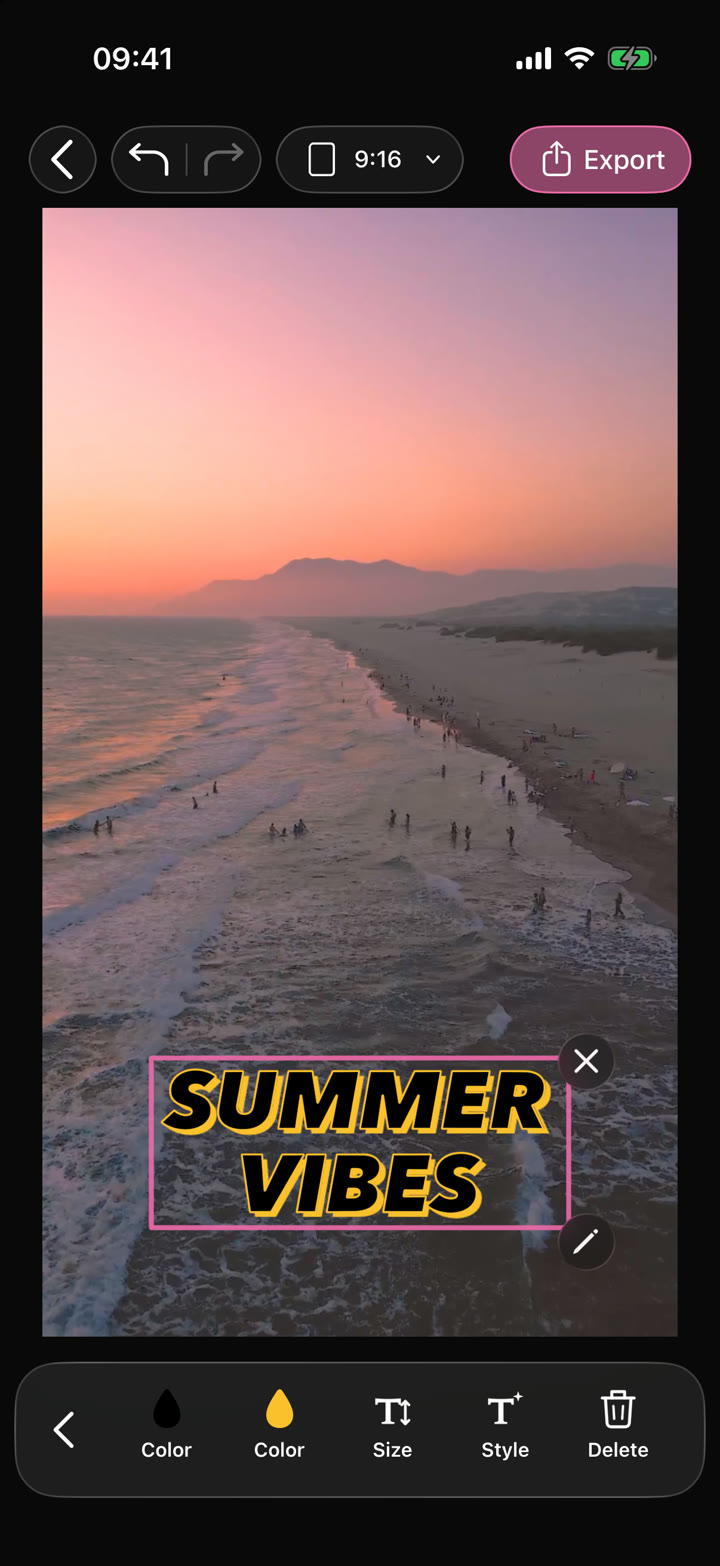
Your edit.Text · Audio · Effects
Video Editor
Shape your video with precise timing, expressive text, stickers, transitions and sound. Start from scratch or make an automatic edit your own.
Can I use AI Reframe in my browser?
The feature runs in AutoCut for iPhone. The website provides examples, template previews and instructions.
Can I review the result before sharing?
Preview the finished result in the app and use the available editing controls to check the media, timing and appearance.
Does this feature require a purchase?
Access varies by tool and subscription. Generation features may also use credits. Check the current in-app screen and purchase details before you start.