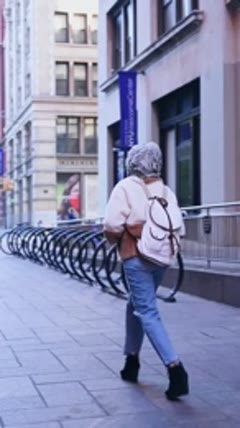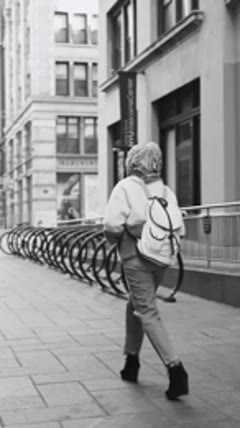
Your ideas. Your footage. Your next edit, on iPhone.
Find your next shortcut

More ways to
make it yours.

Explore every AutoCut feature, from automatic first edits to the finishing details. Each page includes a practical example and a walkthrough for the iPhone app.
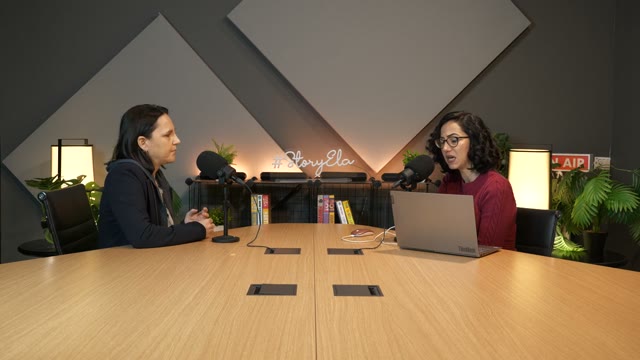
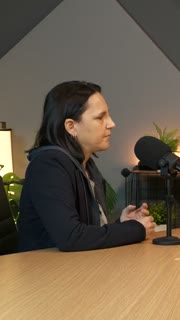
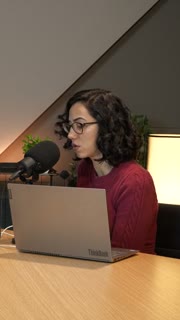
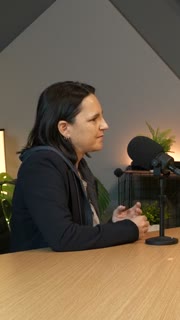
One long video → short clips
Original widescreen podcast conversationYOUR VIDEO
Portrait clip 1 from the same conversation01
Portrait clip 2 from the same conversation02
Portrait clip 3 from the same conversation03

AI Clips

Find short clips in a longer video, review the suggestions, and make each one your own on iPhone.

See how it works↗
OriginalOriginal
B-roll + captionsB-roll + captions

B-roll & Auto Edit

Build on a talking video with relevant B-roll, captions and optional animated stickers, then refine the edit on iPhone.

See how it works↗
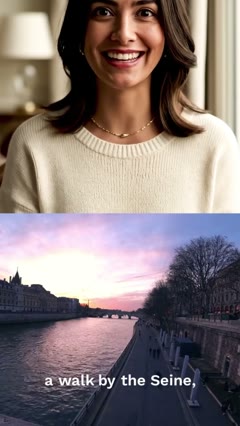
Speaker with captions reading My perfect day in Paris
MY PERFECT DAYIN PARIS
AUTO CAPTIONS

Auto Captions

Generate subtitles for your video, choose a caption style and correct the text before sharing.
See how it works↗
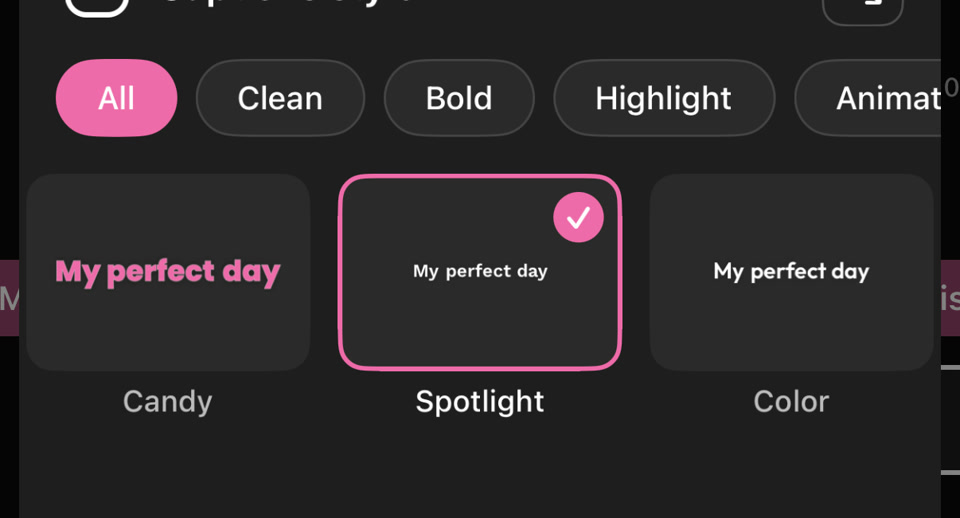
AutoCut caption-style picker showing Clean, Bold, Highlight and animated categories, with Candy, Spotlight and Color stylesPICK YOUR CAPTION STYLE

Caption Styles

Give subtitles a consistent look with text styling, colors and animated emphasis.

See how it works↗
English-speaking creator with a French caption translation
EN FR
My perfect day in Paris
MA JOURNÉE PARFAITE
À PARIS

Caption Translation

Translate generated captions into an available target language and review the wording in your video.

See how it works↗
Keep the words. Cut the waiting.
Original46s
Pauses removed28s
18 seconds of waiting removed

Remove Silences

Shorten the pauses in a talking video as part of your subtitle workflow.
See how it works↗
Landscape → portrait
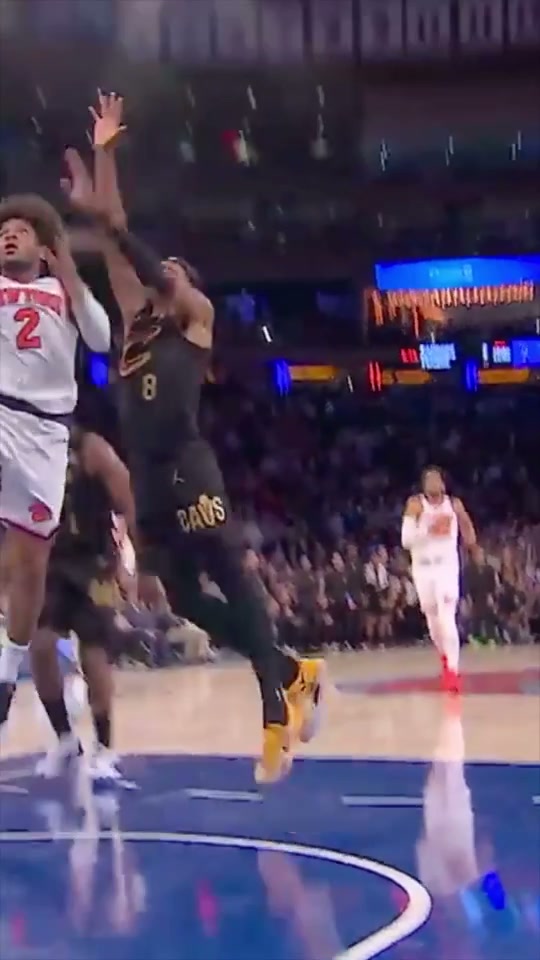
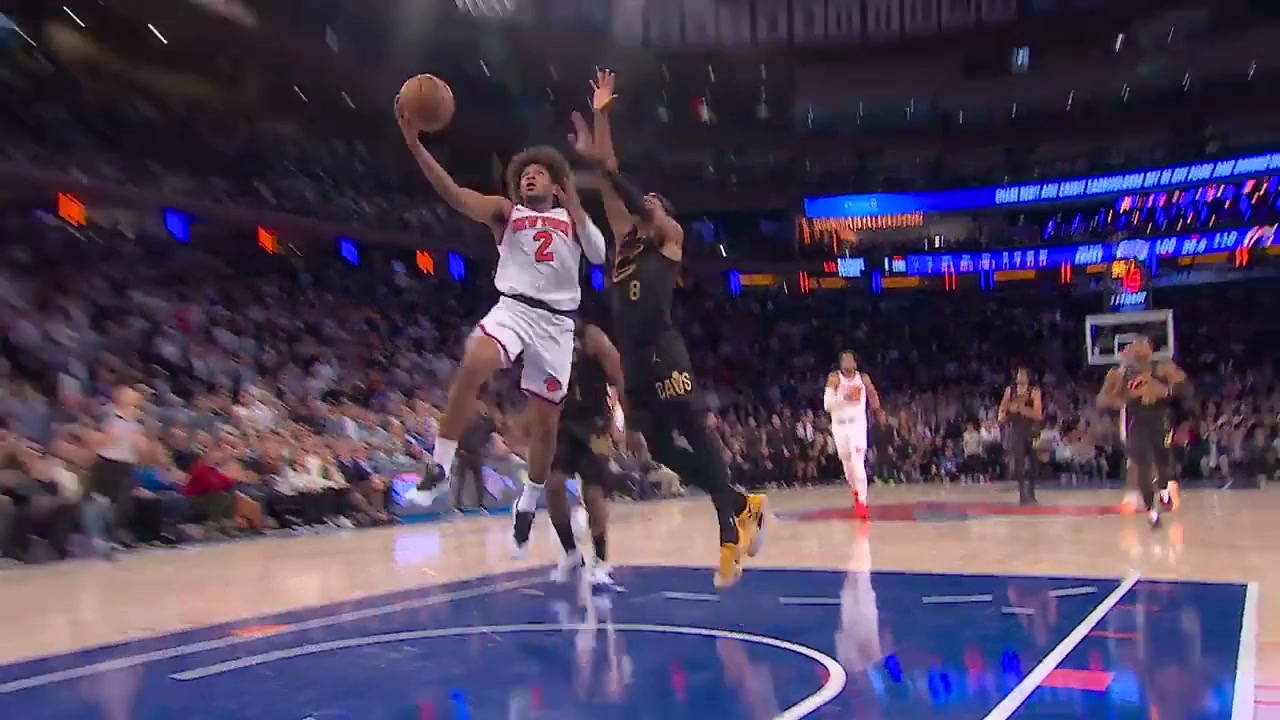
Original landscape basketball video16:9
Actual portrait reframe following the basketball action9:16

AI Reframe

Adapt a video to a new aspect ratio while following people or action and choosing from the layouts you allow.

See how it works↗
Isolate the voice
Original audio
Isolated voice
Less background noise. More voice.

Voice Isolator

Reduce surrounding noise in a video and preview the isolated voice before saving or editing.
See how it works↗
Your media → an automatic montage
Source travel momentSource travel momentSource travel moment
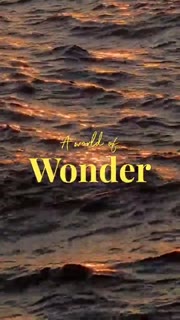
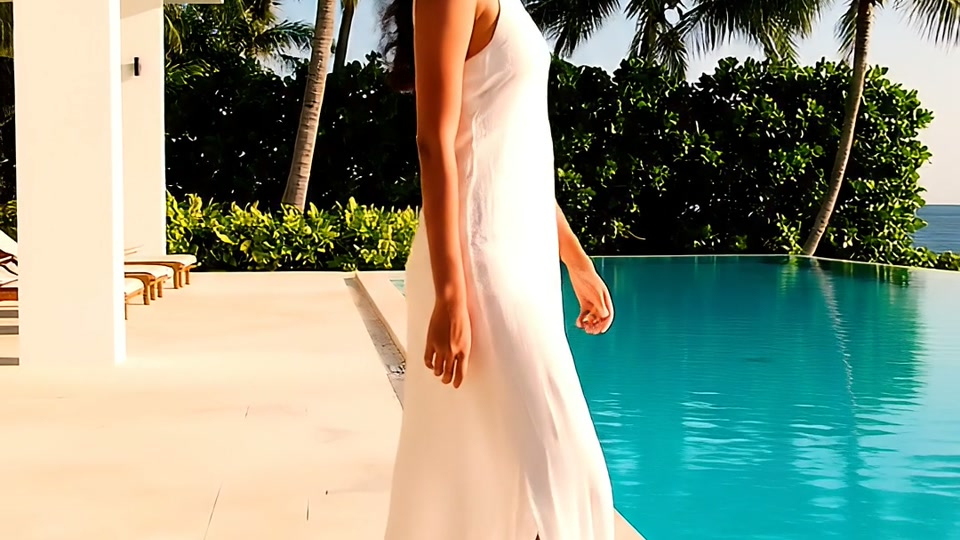
Frame from the editable A World of Wonder AutoCut montageAutoCut

AutoCut Montages

Turn a selection of photos and videos into a montage using compatible AutoCut templates.
See how it works↗
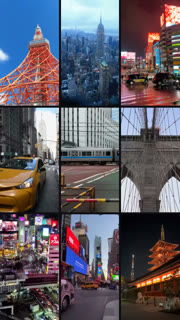
Cuts on the beat
A shot in the video sequenceA shot in the video sequenceA shot in the video sequence
VIDEO CUTS↕MUSIC BEATS

Sync the Beat

Choose a song and its section, then build a montage around the detected rhythm.
See how it works↗
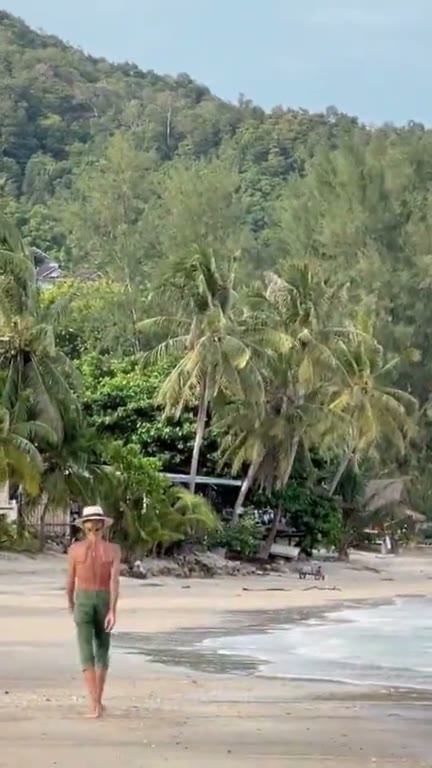
A grid that keeps changing
Actual Grid Flow countdown with 9 visible videos9
Actual Grid Flow countdown with 5 visible videos5
Actual Grid Flow countdown with 1 visible videos1
9 → 8 → 7 → 6 → 5 → 4 → 3 → 2 → 1

Grid Flow

Combine grid arrangements and full-frame moments in a music-driven edit.
See how it works↗
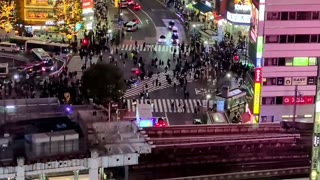
Choose a look. Add your media.
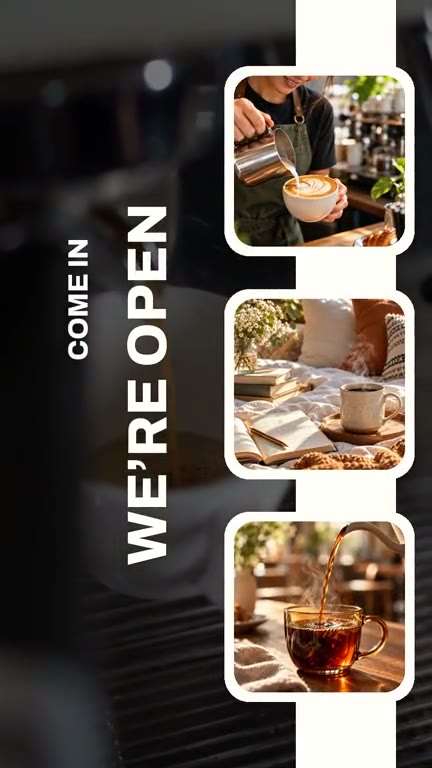
Travel editable template previewTravel
Coffee editable template previewCoffee
Fashion editable template previewFashion

Video Templates

Explore editable video templates for travel, products, fitness, celebrations and everyday moments.
See how it works↗
Several views. One frame.
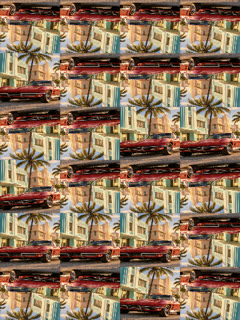
A separate view in a static four-cell collageA separate view in a static four-cell collageA separate view in a static four-cell collageA separate view in a static four-cell collage
2 × 2
PHOTO + VIDEO

Grid Maker

Arrange photos and videos into a grid or split-screen composition.

See how it works↗
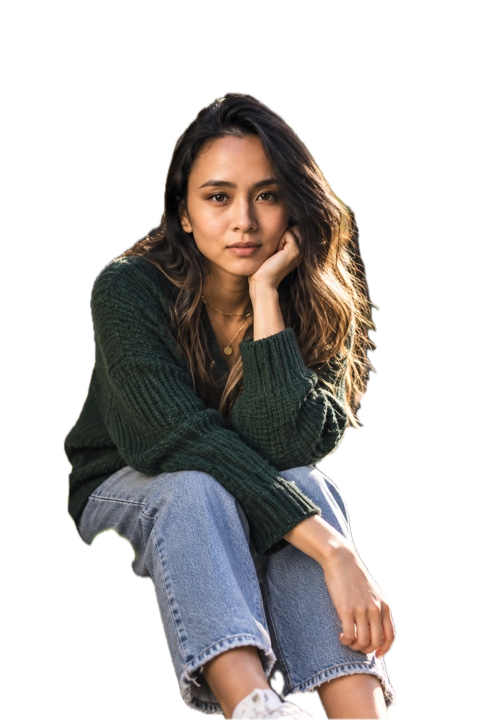
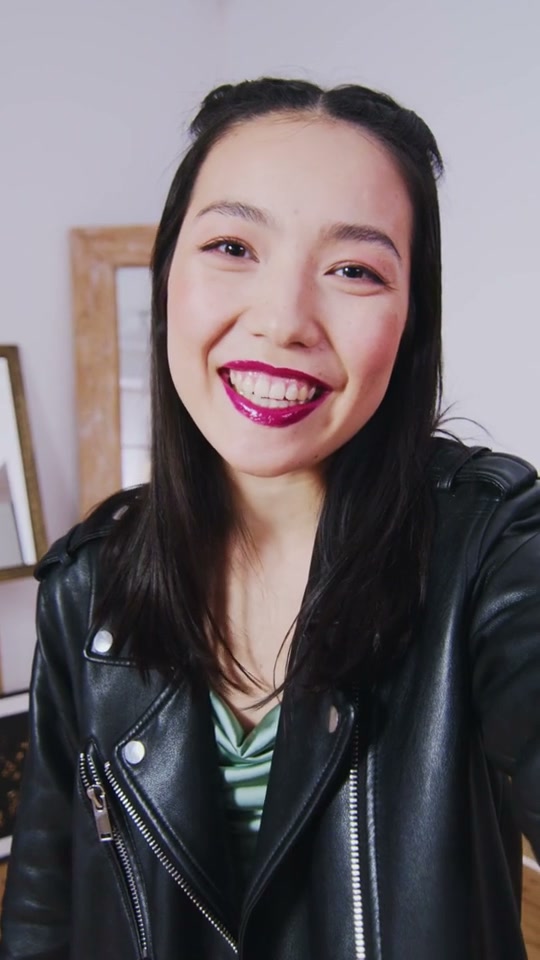
Original portrait with its outdoor backgroundOriginal
Actual isolated subject over a transparency checkerboardBackground removed

Remove Photo Background

Remove the background from a photo and use the subject in a new composition.
See how it works↗
Original roomOriginal room
New backgroundNew background

Video Background

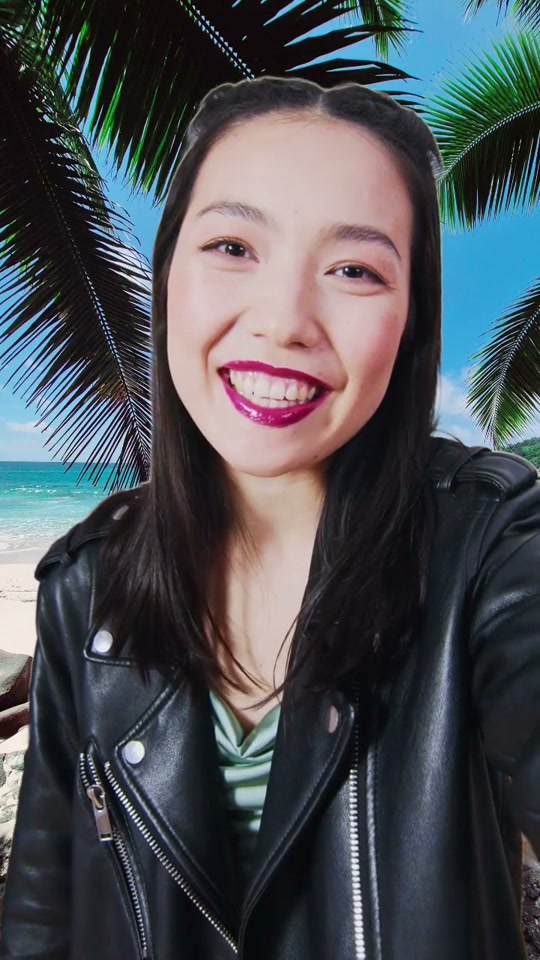
Replace your video background with a photo while keeping the person in the foreground.

See how it works↗
Original portrait before automatic enhancementOriginal
Same portrait after the app’s automatic photo enhancementEnhanced
LIGHT · COLOR · DETAIL

Enhance Photos

Apply automatic tonal and color corrections to a photo while keeping its geometry.

See how it works↗
Beach footage behind animated typographyAnimated typography
Make every
moment yours.

Animated Text

Choose an animated text style, make the words yours and time the title to your video.

See how it works↗
Video background for editable graphic overlaysTravel plane sticker from the app catalogCamera sticker from the app catalogPassport sticker from the app catalogSTICKERS · GIFs · LOGOS

Animated Stickers & GIFs

Add animated stickers, editable graphic elements and GIFs to a video.

See how it works↗
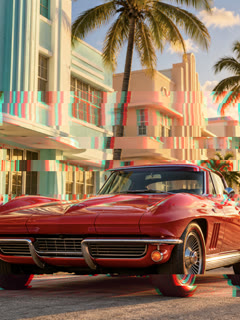
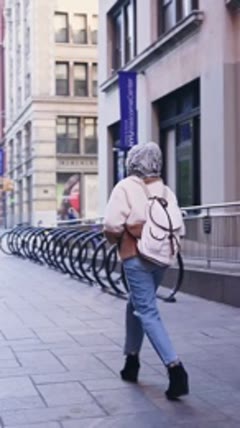
First video shot
Next video shot
From one shot to the nextZOOM · WHIP · FADE

Video Transitions

Connect clips with transitions that suit the pace, subject and style of the montage.
See how it works↗
Transform the footage
Actual Glitch effect render from the appGlitch
Actual Neon effect render from the appNeon
Actual Prism effect render from the appPrism

Video Effects

Explore visual effects and combine them with your footage in the editor.
See how it works↗
One shot. Different looks.
The same footage using the app’s Amber filterAmber
The same footage using the app’s Blue filterBlue
The same footage using the app’s Mono filterMono

Photo & Video Filters

Give your media a coordinated visual treatment with the available filters.
See how it works↗
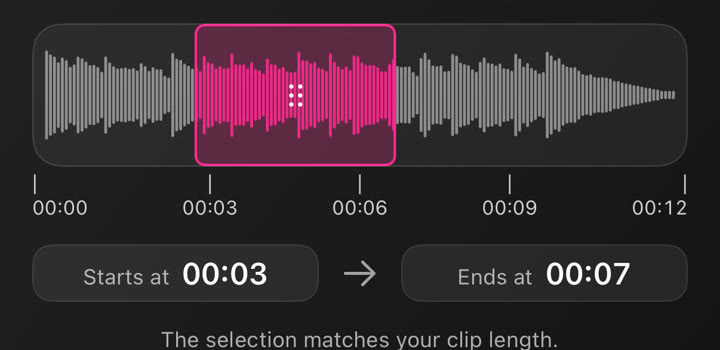
Choose the right part of the songActual music-section waveform with a selected start and end timeMUSIC + VOICEOVER

Music & Audio Editing

Choose music, use your own audio and adjust the selected section in your project.
See how it works↗
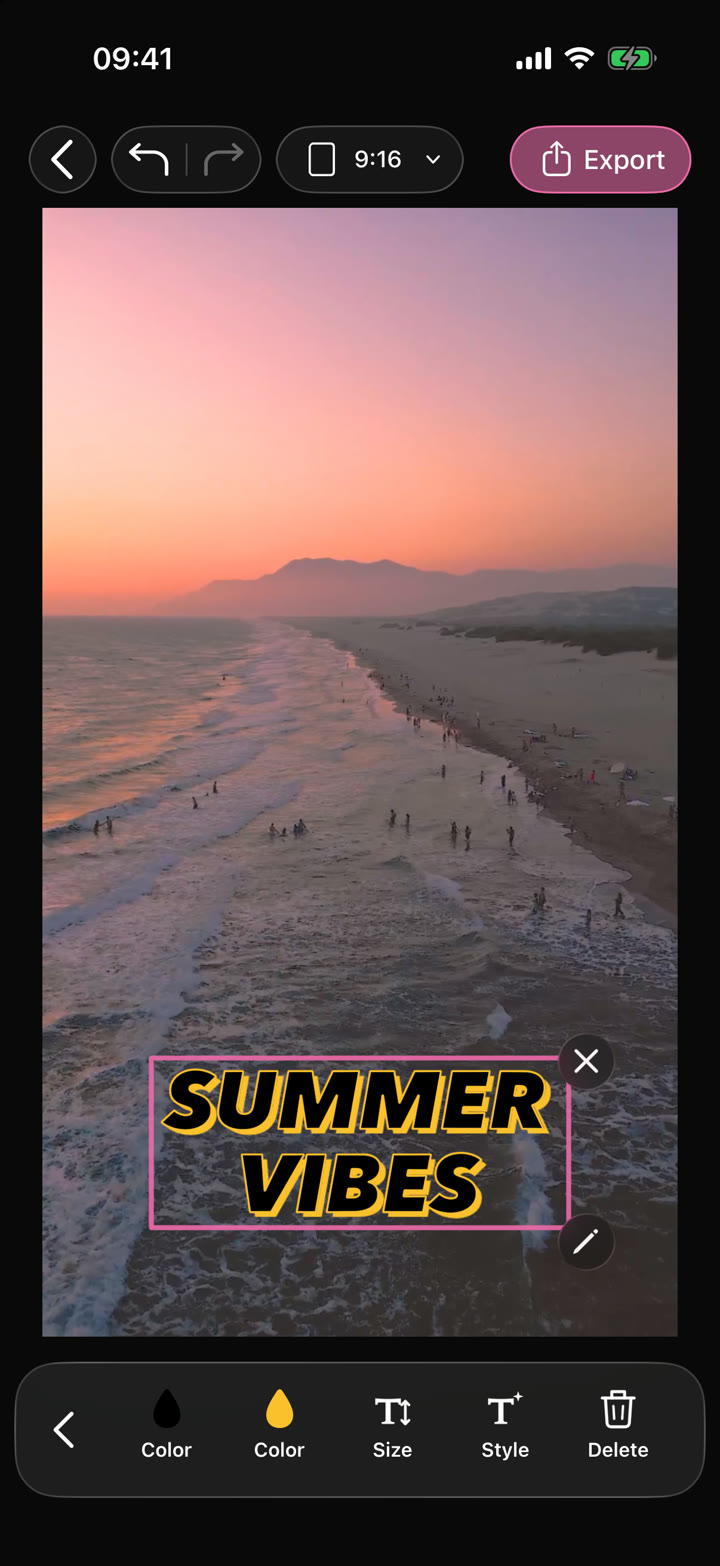
Actual AutoCut iPhone editor with selected text and editing controls
Your video.
Your edit.
Text · Audio · Effects

Video Editor

Shape your video with precise timing, expressive text, stickers, transitions and sound. Start from scratch or make an automatic edit your own.

See how it works↗
TRIM · SPLIT · MERGE
00:0000:0300:06
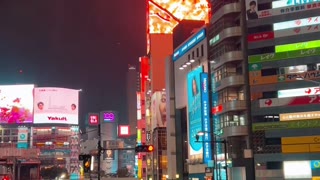
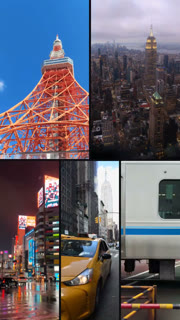
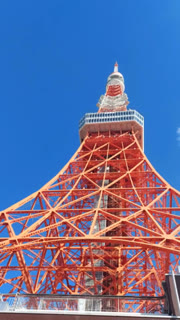
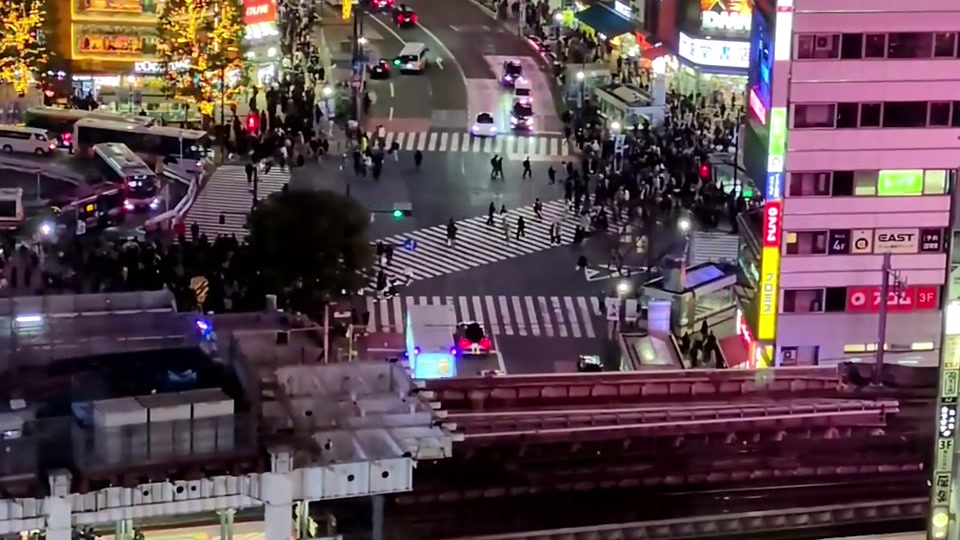
Tokyo Tower clipNeon street clipShibuya Crossing clip
Trim the endsSplit a clipJoin your shots

Trim, Split & Merge

Shorten media, split a section at the playhead and combine the moments you want to keep.
See how it works↗
Wide city footage with a manually selected portrait cropFit your format
9:161:116:9

Crop & Resize

Change the composition and project ratio for the platform or presentation you need.

See how it works↗
Moving city traffic used to illustrate speed and reverse playback
CHANGE THE PACE2×
0.5×1×2×Reverse

Video Speed & Reverse

Adjust the speed of a video or reverse it for a different playback effect.

See how it works↗
Resort video with an example custom Your Brand watermark placed in the lower right cornerYOUR LOGO. YOUR VIDEO.
YBYOUR BRANDMAKE IT YOURS

Custom Watermark

Add your own brand mark or watermark as part of the video composition.
See how it works↗
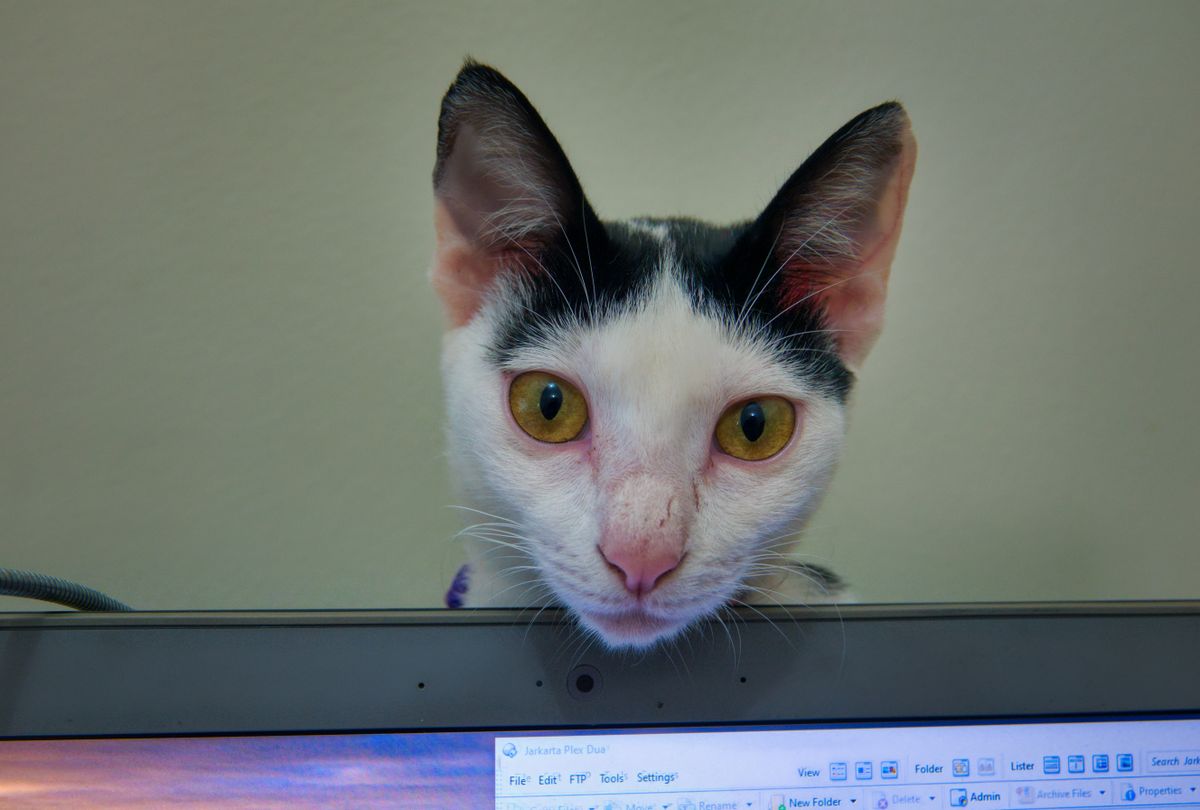
Wide-eyed kitten peeking over a laptop screen
ME: JUST ONE
QUICK EDIT
ALSO ME
AT 2:47 AM

Meme Maker

Use the meme tool to turn your own media into an editable, playful starting point.

See how it works↗
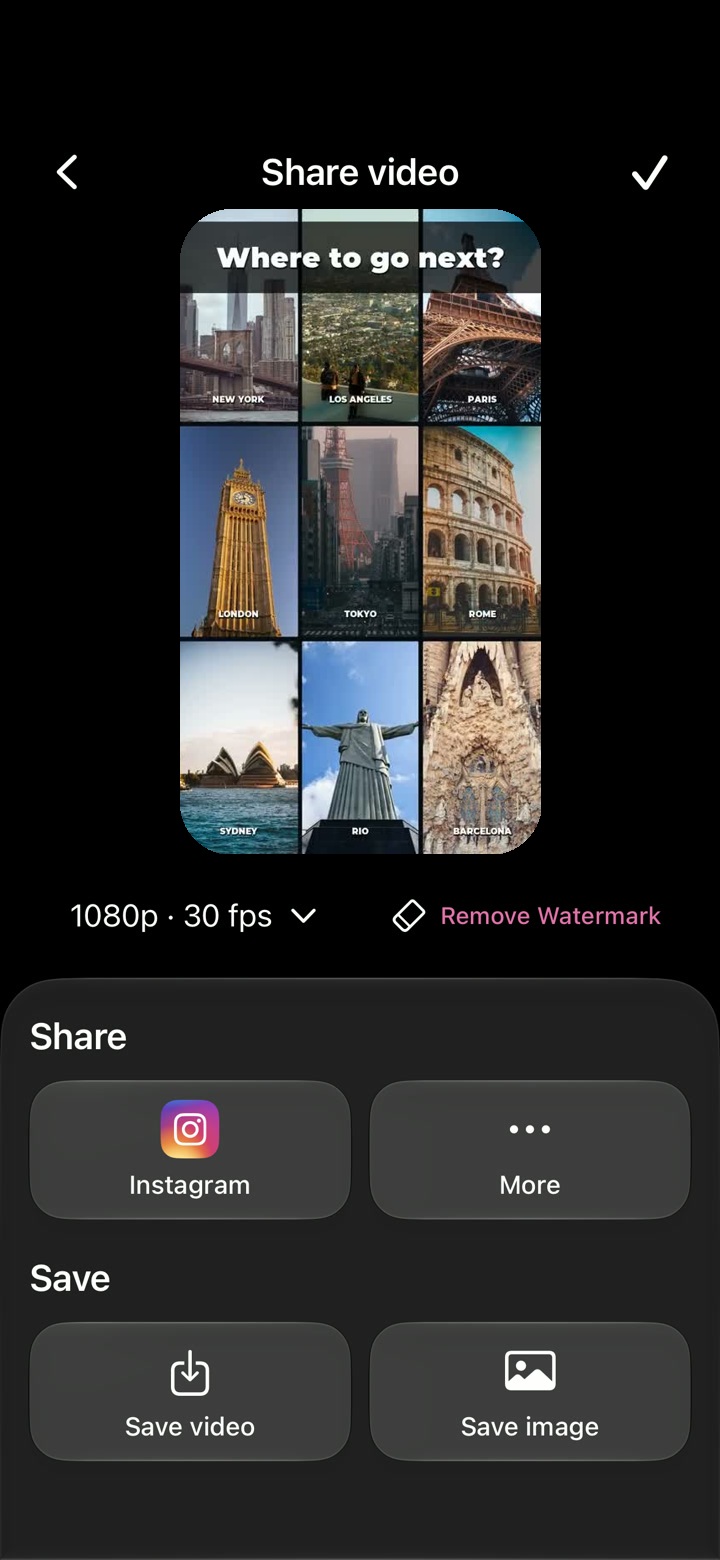
Save.
Share.
Done.
1080p · 30 fps
Native iPhone export screen with quality selection, video preview and save or share actions

Video Export

Preview your project and choose the available resolution and frame rate before saving your video.

See how it works↗
Take it to your phone

Your next edit
starts on iPhone.

Scan the code with your iPhone camera to open AutoCut on the App Store.

QR code linking to AutoCut on the App StoreOpen the App Store

Availability, compatibility and purchase options are listed on the App Store.