 AutoCut
A small idea with a bigger reaction.
Use the meme tool to turn your own media into an editable, playful starting point.
Available in the AutoCut iPhone app
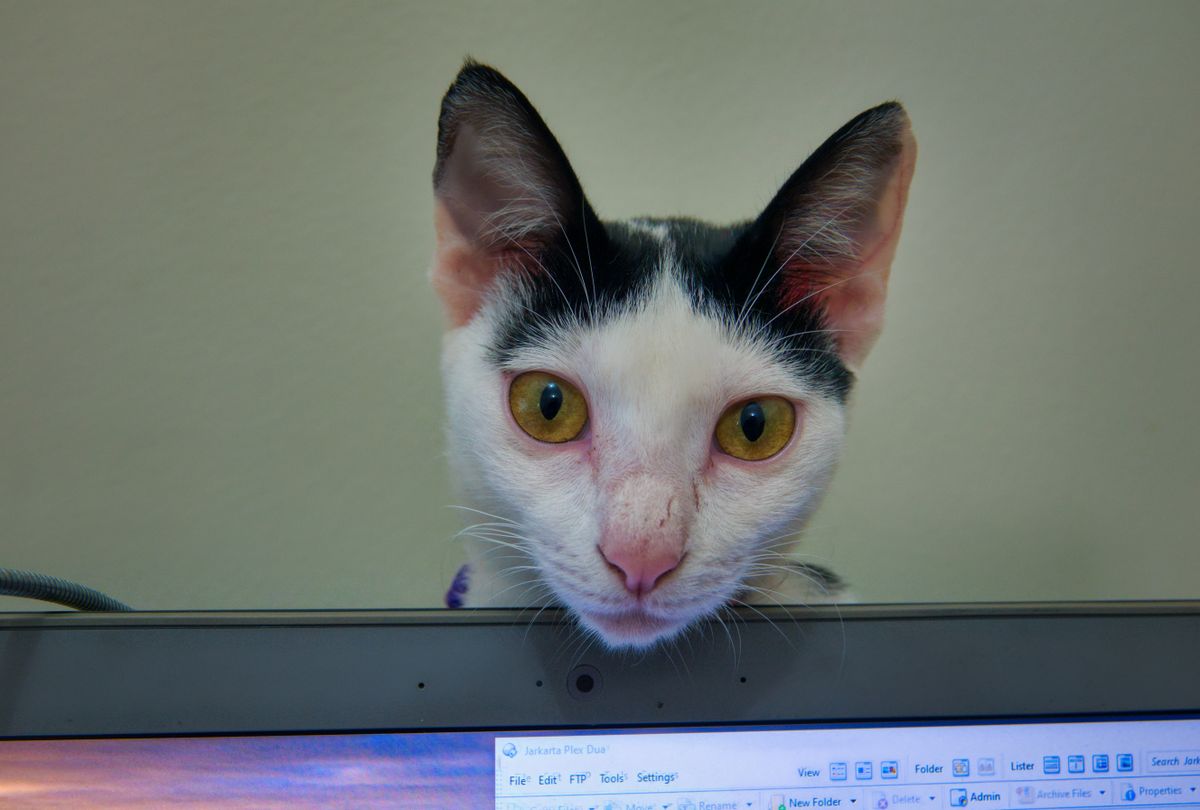
QUICK EDITALSO ME
AT 2:47 AM
One photo. One relatable joke. An example meme with a short setup and a punchline — make your own version in the iPhone editor.
Start with a reason to edit.
A reaction works best when the picture and the line make the same point. Keep the concept simple enough to understand quickly.
An everyday moment, given a punchline
Choose a picture that already has a clear expression or situation. Use the meme workflow, then check the wording and how much of the picture stays visible.
A visual joke you can review and personalize before sharing.
Try this workflow with your own footage.Three steps to your version.
Choose your media
Start with a clear image that suits the idea.
Create the meme
Use the in-app meme workflow.
Edit the result
Review the text, layout and the final image or video presentation.
One clear idea
Use a short line that supports what is visible in the picture.
Check generated text
Review wording and tone before you share.
Keep control
Refine the editable result in the app.
Review generated content before publishing, including accuracy, tone and the people shown.
Works well with…
 Animated typography
moment yours.
Animated Text
Choose an animated text style, make the words yours and time the title to your video.



 STICKERS · GIFs · LOGOS
Animated Stickers & GIFs
Add animated stickers, editable graphic elements and GIFs to a video.
 Travel
 Coffee
 Fashion
Video Templates
Explore editable video templates for travel, products, fitness, celebrations and everyday moments.
Can I use Meme Maker in my browser?
The feature runs in AutoCut for iPhone. The website provides examples, template previews and instructions.
Can I review the result before sharing?
Preview the finished result in the app and use the available editing controls to check the media, timing and appearance.
Does this feature require a purchase?
Access varies by tool and subscription. Generation features may also use credits. Check the current in-app screen and purchase details before you start.