 AutoCut
Let your story cross a language barrier.
Translate generated captions into an available target language and review the wording in your video.
Available in the AutoCut iPhone app
English audio · French captions
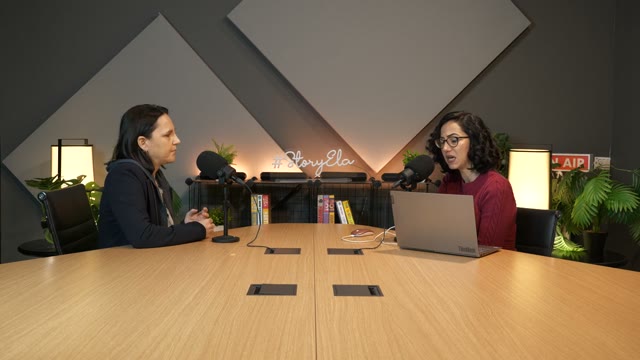
The same voice and recording, with translated captions. Switch languages to compare this short example.
Start with a reason to edit.
A video can be useful to people who do not speak the original language. Translated subtitles add another way to understand the same recording.
A local travel tip for another audience
Keep the original travel narration and choose a target caption language. Check place names and natural phrasing before exporting a version for that audience.
The original voice stays, with subtitles for another language.
Try this workflow with your own footage.Three steps to your version.
Choose the spoken language
Help transcription understand the source video.
Select translation
Pick an available target language in the subtitle settings.
Check the result
Review the translated wording and caption layout before exporting.
Keep the original recording
Caption translation changes the written subtitles, not the speaker’s voice.
Choose an available language
The in-app language picker is the current source of available translation languages.
Review names and context
Local phrases and proper nouns deserve a manual check.
This feature translates captions; it does not dub or clone the original voice.
Works well with…

Auto Captions
Generate subtitles for your video, choose a caption style and correct the text before sharing.
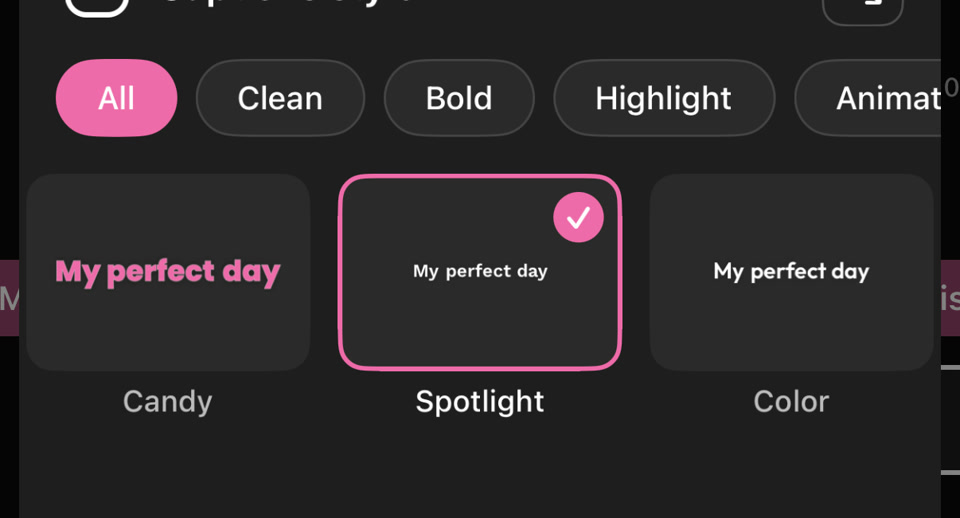 PICK YOUR CAPTION STYLE
Caption Styles
Give subtitles a consistent look with text styling, colors and animated emphasis.
 YOUR VIDEO
 01
 02
 03
AI Clips
Find short clips in a longer video, review the suggestions, and make each one your own on iPhone.
Can I use Caption Translation in my browser?
The feature runs in AutoCut for iPhone. The website provides examples, template previews and instructions.
Can I review the result before sharing?
Preview the finished result in the app and use the available editing controls to check the media, timing and appearance.
Does this feature require a purchase?
Access varies by tool and subscription. Generation features may also use credits. Check the current in-app screen and purchase details before you start.