 AutoCut
Keep what moves the story forward.
Shorten media, split a section at the playhead and combine the moments you want to keep.
Available in the AutoCut iPhone app
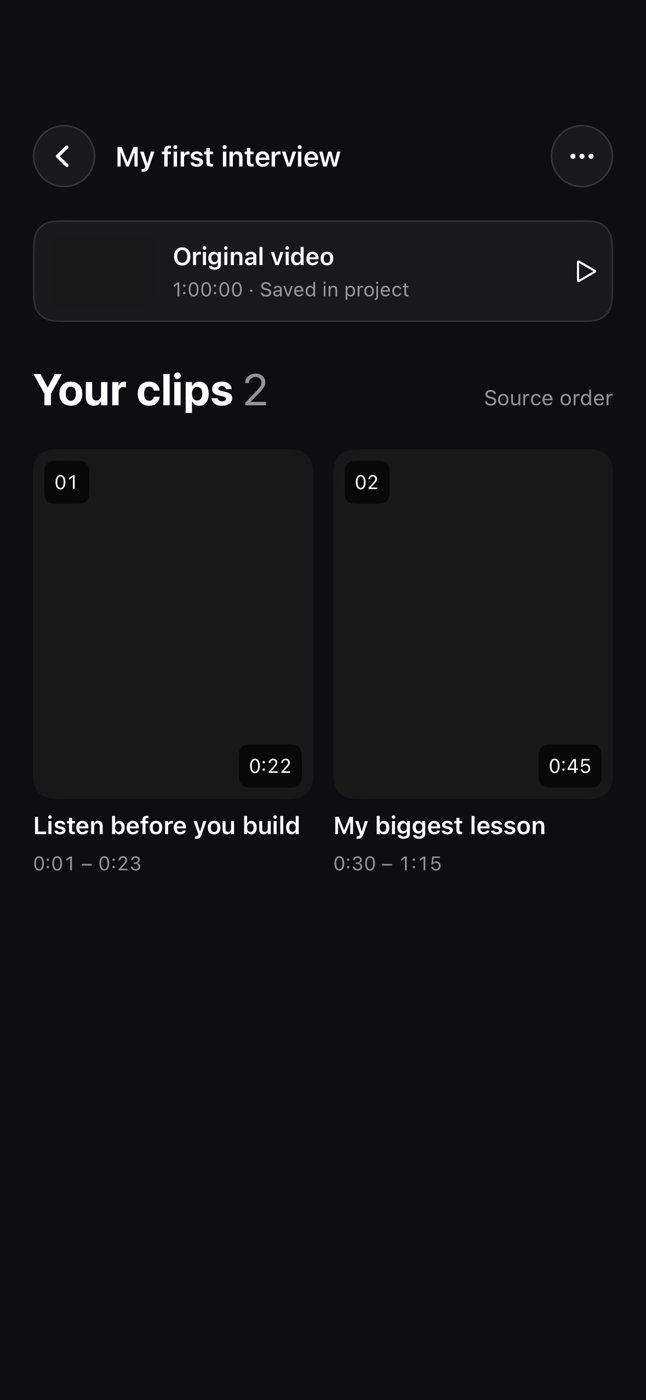 Inside the iPhone editor
Start with a reason to edit.
A good shot can start too early or end too late. Small timing changes often make the whole sequence easier to watch.
An everyday clip becomes a cleaner sequence
Remove the camera settling at the beginning, keep the main action and join it to the next useful view.
A short sequence with clearer beginnings and endings.
Try this workflow with your own footage.Three steps to your version.
Find the moment
Move the playhead to the section you want to change.
Trim or split
Use the available handles and split controls for the selected media.
Join the story
Arrange the remaining clips and preview their boundaries.
Start with the action
Remove empty preparation when it does not add context.
Leave a readable ending
A cut should not interrupt the part the viewer needs to understand.
Listen across cuts
Check audio as well as the picture around each change.
Works well with…
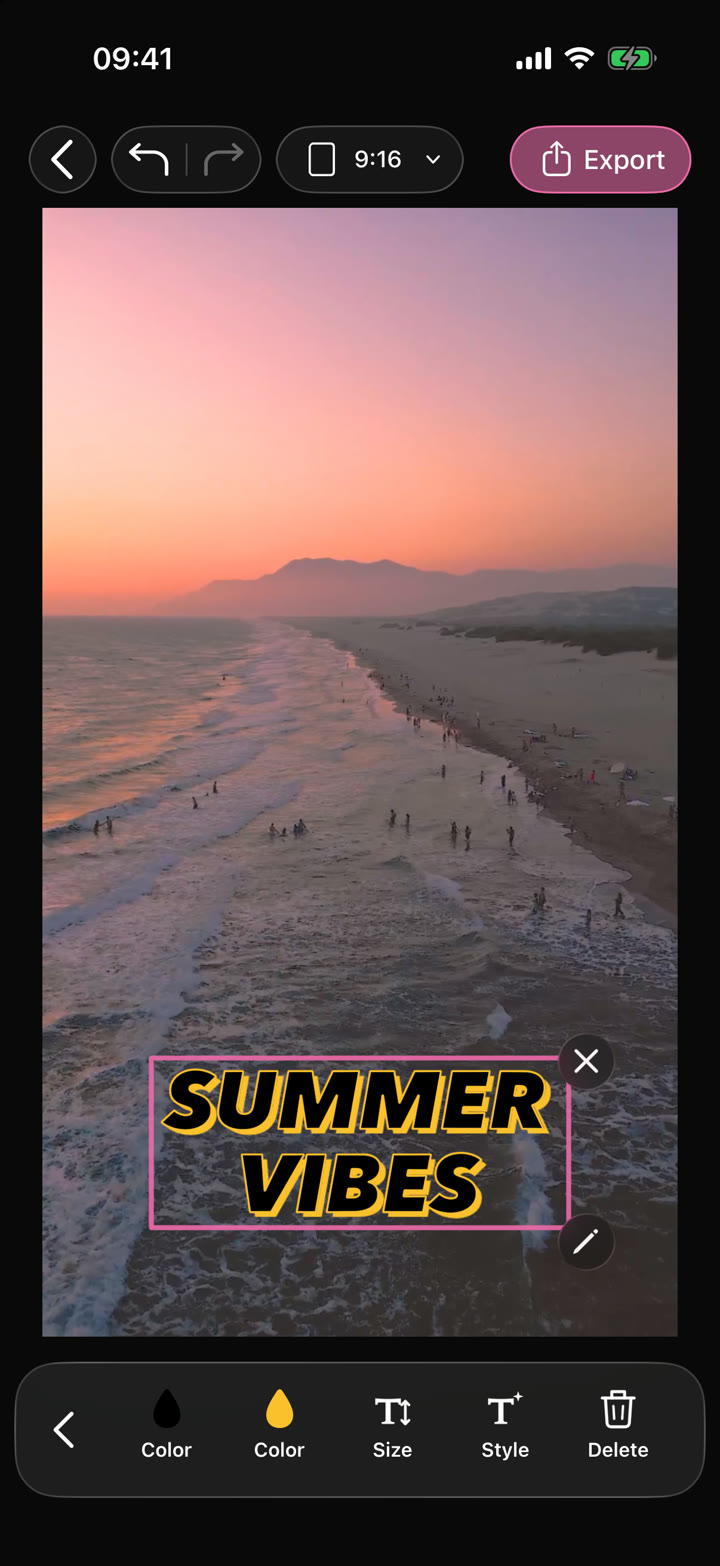
Your edit.Text · Audio · Effects
Video Editor
Shape your video with precise timing, expressive text, stickers, transitions and sound. Start from scratch or make an automatic edit your own.
 CHANGE THE PACE2×
Video Speed & Reverse
Adjust the speed of a video or reverse it for a different playback effect.


Video Transitions
Connect clips with transitions that suit the pace, subject and style of the montage.
Can I use Trim, Split & Merge in my browser?
The feature runs in AutoCut for iPhone. The website provides examples, template previews and instructions.
Can I review the result before sharing?
Preview the finished result in the app and use the available editing controls to check the media, timing and appearance.
Does this feature require a purchase?
Access varies by tool and subscription. Generation features may also use credits. Check the current in-app screen and purchase details before you start.